Having issues with not loading messages in Social Inbox?
Welcome to our Social Inbox Troubleshooting Guide. If you’re facing difficulties while loading messages from various social media platforms like Instagram, Facebook, and Google Business Profile, this guide will help you troubleshoot and resolve the issues you’re encountering.
Step 1: Confirm Network Account Requirements
Before troubleshooting, ensure that your social network accounts meet the following requirements:
Facebook: Your account must be linked to a business page with appropriate permissions.
Instagram: You must have a registered business account.
Google: Ensure that your account is associated with an organization, not a personal page.
Case 1: Connection and Loading Errors
If you’re experiencing issues related to connection errors or the failure to load message information, follow these steps:
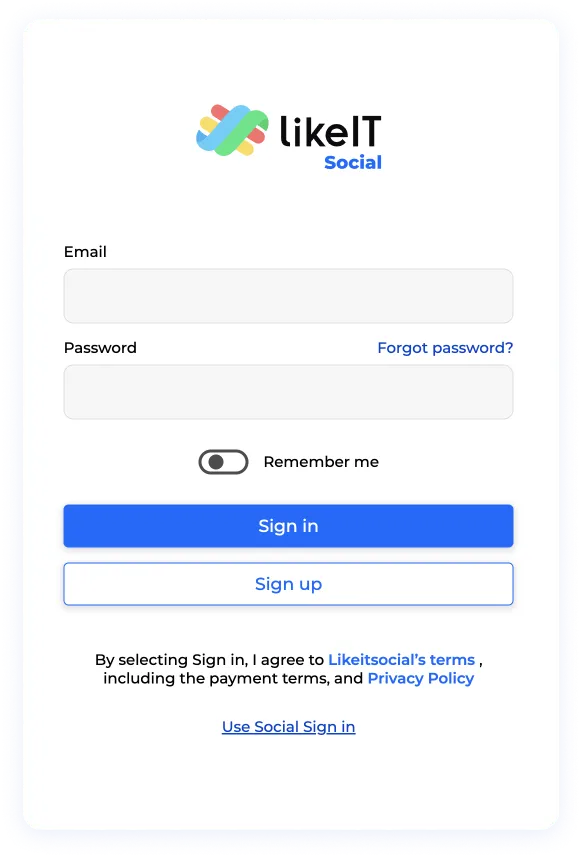
Step 1: Log in to your LikeIt Social account.
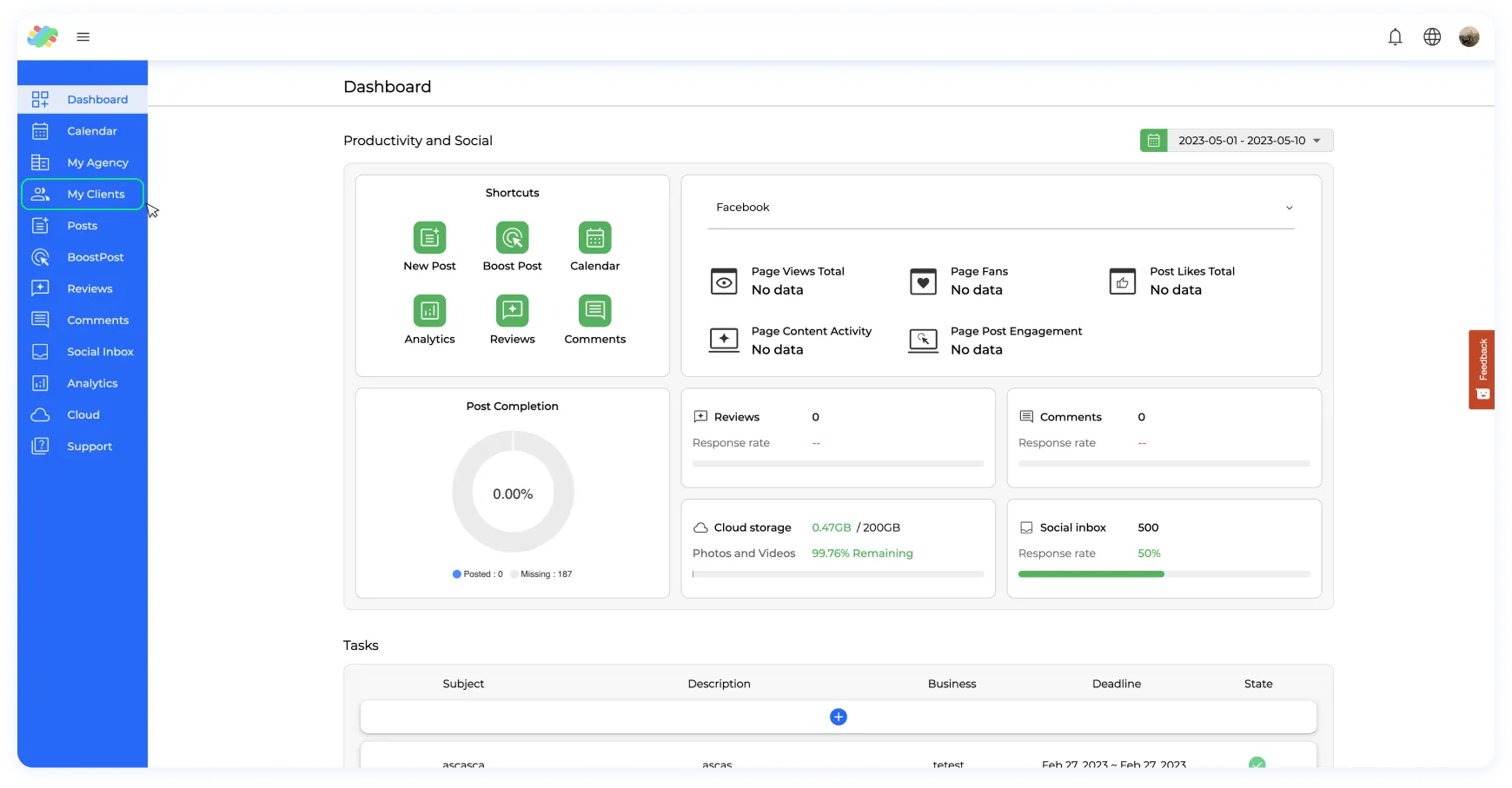
Step 2: Navigate to the “My Clients” section in the left-side menu.
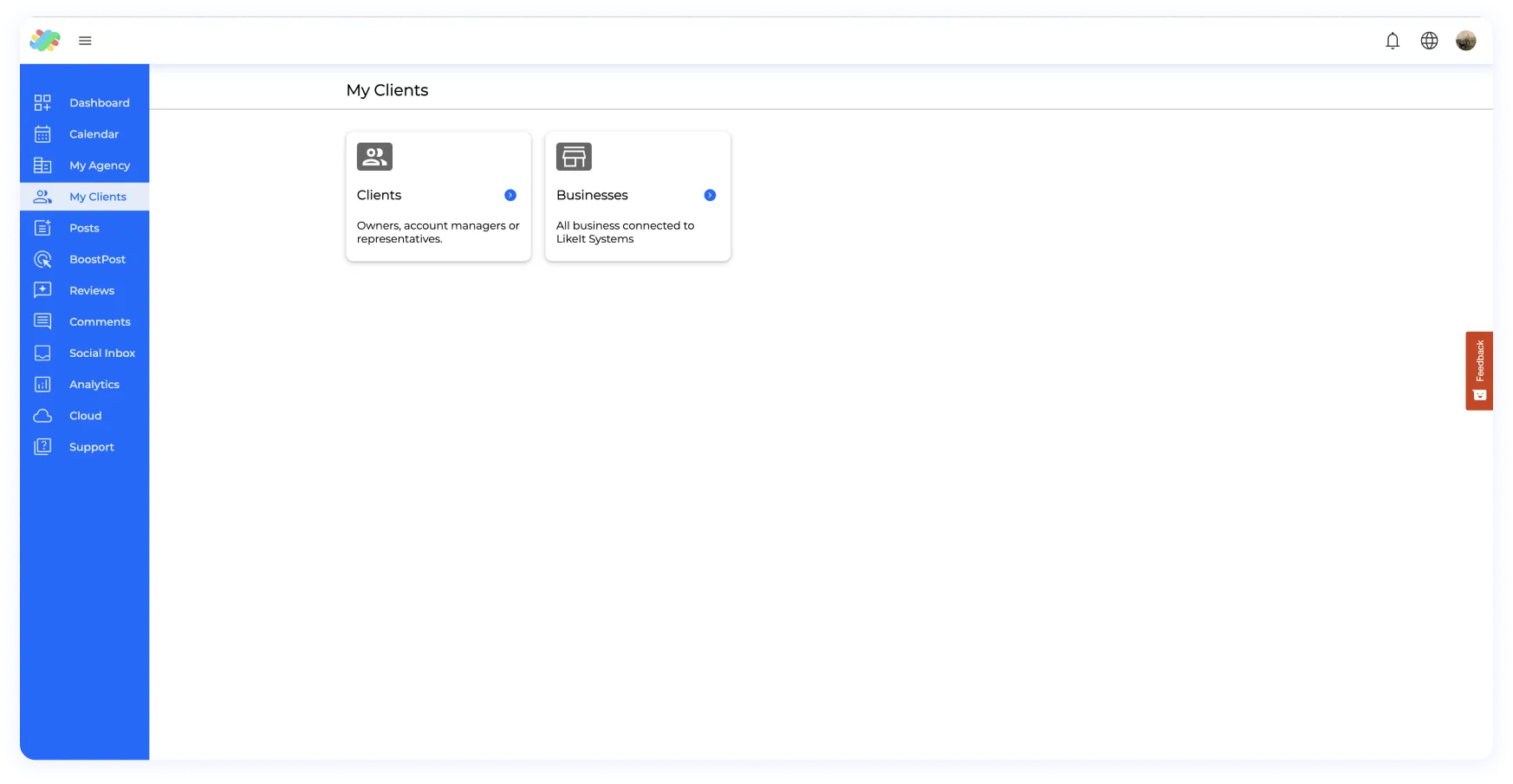
Step 3: Proceed to the “Business” section.
Step 4: Select the business for which you’re encountering loading issues.
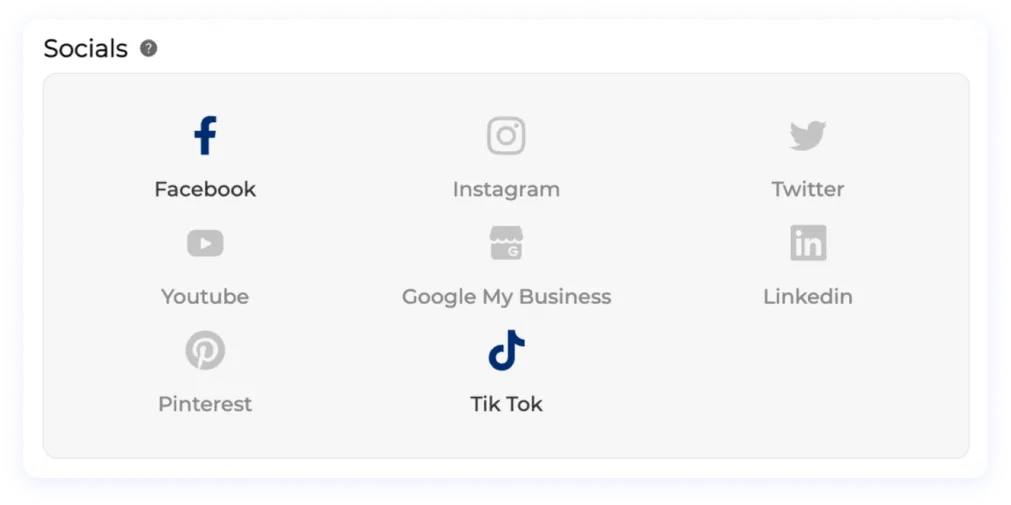
Step 5: Click on the social media icons (Facebook, Instagram, and Google) associated with the business. Disconnect and then reconnect the social accounts to ensure an active connection.
Step 6: Check if the message information is now loading. Please note that information created before the connection was established might not appear. Only new information will be available.
Case 2: Permission Issues
If the loading issue persists even after reconnecting the social accounts, it might be due to incomplete connection permissions. Repeat the steps mentioned in Case 1, and during the reconnection process, ensure that all necessary permissions are granted. Incomplete permissions can impact your ability to access and load information.
Case 3: Account Restrictions
If the above steps don’t resolve the issue, there might be limitations on your account imposed by the respective social networks (Meta, Google). Follow these steps:
Check your social media accounts for any notifications or restrictions.
Reach out to the help center of each social network (Facebook, Instagram, Google) for assistance.
If the Issue Persists
If none of the above solutions address your problem, please reach out to our support team with detailed information about your accounts and connections. We are here to help you resolve any issues you’re facing with loading messages in the Social Inbox.
By following these troubleshooting steps, you can ensure that your Social Inbox operates smoothly, allowing you to effectively manage your messages and engage with your audience across multiple social platforms.
This website uses Cookies on this website are used to personalize content and ads, provide social media features and analyze traffic. In addition, we share information about your use of the website with our social media, advertising and web analytics partners, who may combine it with other information you have provided to them or that they have collected from your use of their services.
This website uses Cookies on this website are used to personalize content and ads, provide social media features and analyze traffic. In addition, we share information about your use of the website with our social media, advertising and web analytics partners, who may combine it with other information you have provided to them or that they have collected from your use of their services.
Necessary cookies help make a website usable by enabling basic functions like page navigation and access to secure areas of the website. The website cannot function properly without these cookies.
Preference cookies enable a website to remember information that changes the way the website behaves or looks, like your preferred language or the region that you are in.
Statistic cookies help website owners to understand how visitors interact with websites by collecting and reporting information anonymously.
Marketing cookies are used to track visitors across websites. The intention is to display ads that are relevant and engaging for the individual user and thereby more valuable for publishers and third-party advertisers.
Unclassified cookies are cookies that we are in the process of classifying, together with the providers of individual cookies.